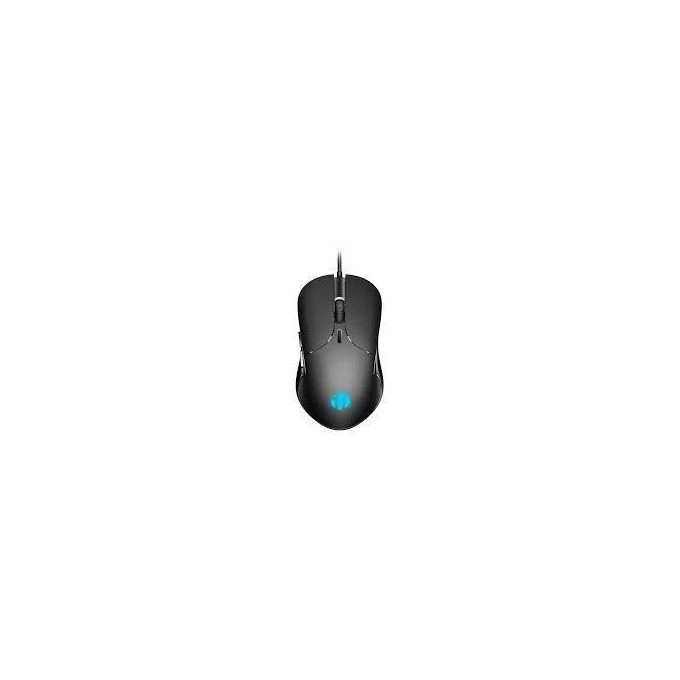
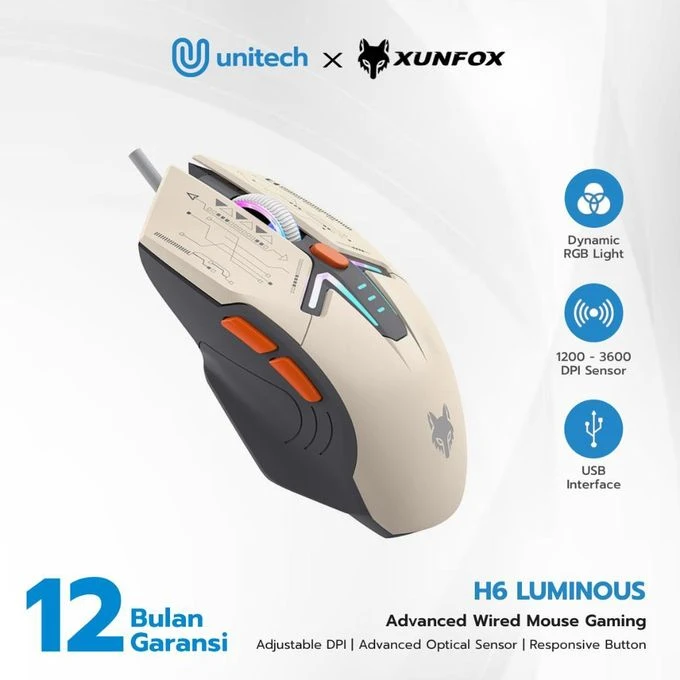
The XUNFOX H6 mouse is a plug-and-play device, requiring no special driver installation for basic functionality on most operating systems.
- Connect the Mouse: Plug the USB connector of the XUNFOX H6 mouse into an available USB port on your computer.
- System Recognition: Your operating system should automatically detect and install the necessary drivers. This process may take a few moments.
- Ready for Use: Once recognized, the mouse is ready for immediate use. The XUNFOX H6 is an ergonomic, mecha-style wired gaming mouse designed for gaming, e-sports, and general office use. It features a comfortable grip, customizable LED lighting, and adjustable DPI settings to enhance your computing and gaming experience.
Left Click- Right Click
- Scroll Wheel (Middle Click)
- DPI Switch Button (Button 3 in Figure 3)
- Forward Button (Button 1 in Figure 3)
- Backward Button (Button 2 in Figure 3
4.1 Button Functions
The mouse is equipped with 6 function keys:

Specifications
Key Features
- Controlling LED Lights
- Method 1 (Button 3):
- Long press the DPI Switch Button for 3 seconds to turn the LED lights on or off.
- Method 2 (Combination):
- Short press the Forward Button (1) and DPI Switch Button (3) simultaneously,
- OR short press the Backward Button (2) and DPI Switch Button (3) simultaneously, to turn the LED lights on or off.
What’s in the box
Xunfox H6 Gaming wired Mouse
Specifications
- SKU: GE779EA42P7ZRNAFAMZ
- Weight (kg): 0.1
- Color: shimmer